
Help the discussion lead to a decision
Graphic design for Clyde Hill presentations and project materials
Galactic Digital Studios provides graphic design for small businesses in and serving Clyde Hill, Washington. We organize ideas, project information, and service options into materials that people can follow during a discussion and understand afterward. A strong presentation should make the substance of your work easier to evaluate.
Clyde Hill is a largely residential community within the Seattle–Bellevue metropolitan area, as described in the city's own introduction. For a business advising clients or delivering residential projects, clear documents can support decisions that involve several people and more than one conversation.
A proposal presentation, options sheet, project booklet, or concise introduction each has a different job. We help choose the information and format that suit that job, then connect the pieces through a consistent visual direction.
Make comparison easier
What should the reader be able to decide?
Whether the approach fits
Introduce the need and show how the proposed work addresses it. An attractive cover should lead into an understandable explanation rather than carry the entire burden of credibility.
How the options differ
Present alternatives using consistent categories. Give meaningful differences enough space and keep assumptions near the relevant information so the comparison remains fair and useful.
What comes next
Explain the decision, feedback, or further discussion needed. A reader should know whether the material is an introduction, a working concept, or a proposal ready for consideration.
Design for the person who was not in the meeting
A presentation often gets forwarded to someone who did not hear the original explanation. The file needs to preserve the essential context: what is being discussed, which version they are reviewing, and what they are being asked to consider.
For a hypothetical residential project specialist working in Clyde Hill, an options sheet could compare approaches using the same headings, image sizes, and assumptions. A consultant might need a short introduction followed by a separate engagement outline. These are examples of communication needs, not claims about previous local commissions.
Use captions to identify concepts, reference images, and completed work accurately. Where a client's property or personal information appears, agree on the intended audience and permission before including it. Material suitable for a private discussion may need a different treatment before becoming public marketing.
Separate presentation aids from documents meant to be read independently. Slides can support a spoken explanation, while a follow-up PDF may need more context. We can plan related versions with the same visual language and different levels of detail.
Let the hierarchy support the reasoning
Our design approach starts with the decision sequence
We identify what the reader needs to understand first, what evidence supports it, and what action follows. The content order becomes the foundation for typography, spacing, color, and imagery. Each visual choice should help someone follow the argument or compare the options.
A coherent system can connect a project booklet with a short service sheet without making both equally dense. Clear headings and repeated comparison patterns reduce the need to explain the layout in every conversation. The material should remain readable at the size and in the setting where it will actually be used.
Graphic design supports branding and credibility through consistent, understandable communication. A useful introduction can help generate better-informed inquiries, while reusable layouts make future projects easier to present. For online visibility, publish essential service information as readable website content alongside any downloadable materials. A graphic should support the explanation rather than become the only place it exists.
Let’s make your Clyde Hill project materials easier to understand, compare, and discuss.
Define the presentation system you will actually use
List the materials, audiences, and formats involved. A single polished booklet is different from an editable presentation framework that your team will use for several projects. Decide which sections stay fixed and which must accommodate changing content.
Confirm who supplies the copy, diagrams, photographs, and technical facts. Design can clarify an explanation, but your business needs to approve its accuracy. Identify the final reviewer and collect feedback in one place so competing comments do not pull the materials in different directions.
Ask about source files, editable templates, print-ready artwork, and screen exports. Clarify the software your team uses, required fonts, image permissions, and any supplier specifications. If production or printing is included, agree on who handles proofs and final orders.
Cost and timing depend on content readiness, unique layouts, versions, and revisions. Pair the work with Clyde Hill web development when the presentation draws from online project stories. Consider logo design when identity inconsistencies would otherwise be carried into every new document.
Build a useful set, one decision at a time
From a communication brief to finished materials
Map the audience and message
Define the decision the material supports and gather the source information. Identify what is public, what is project-specific, and which facts or permissions need approval.
Establish a representative layout
Develop the reading order using realistic content. Review one useful section or piece before extending the direction. Check that the visual emphasis matches the importance of the information.
Adapt and review the applications
Build the agreed versions and compare them for consistency. Check captions, labels, links, reading size, and image quality. Confirm the correct content appears in every final variant.
Deliver with practical guidance
Provide the agreed files and explain their uses. If templates are included, identify editable areas and the choices that should remain consistent. Clarify responsibility for later updates.
Look for clarity across different communication settings
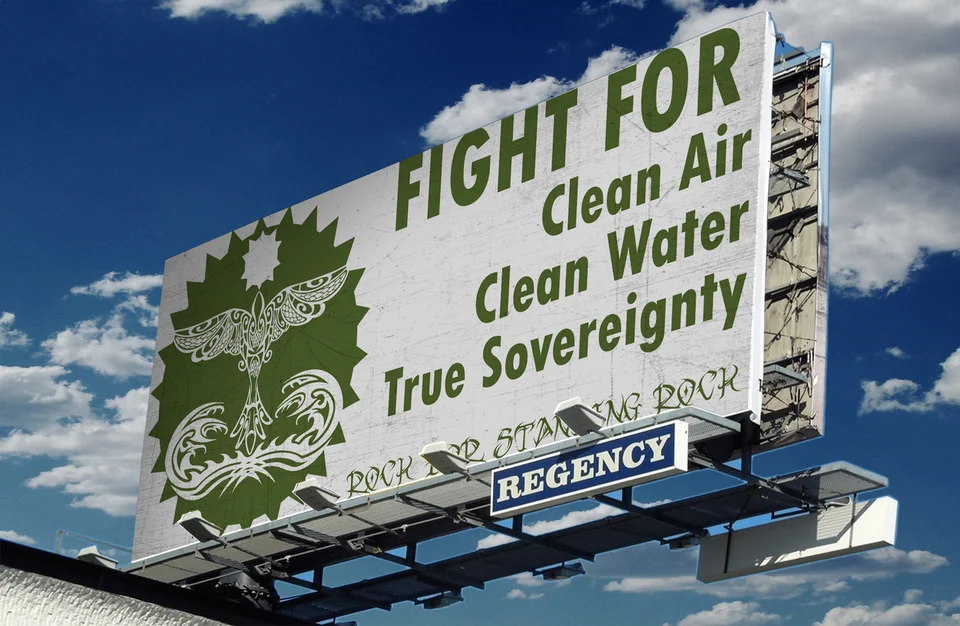
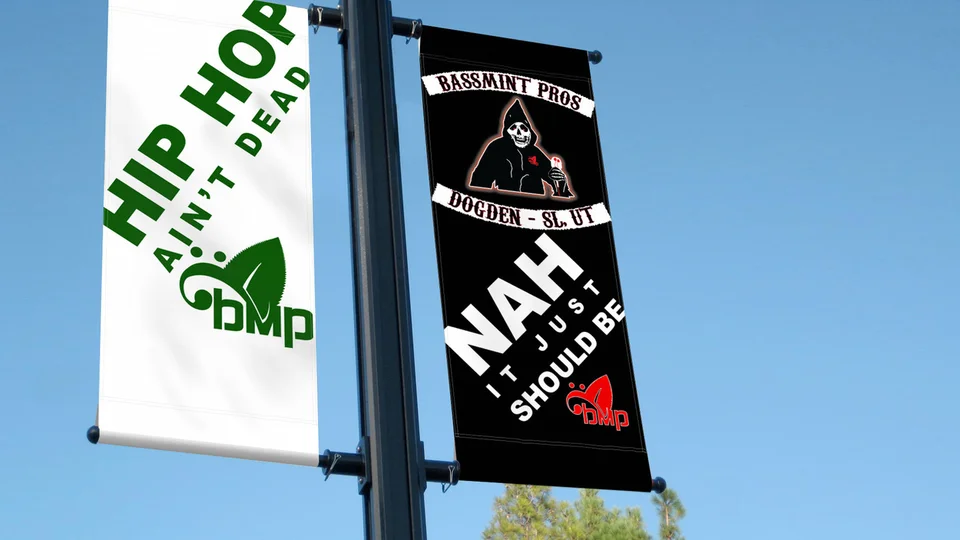
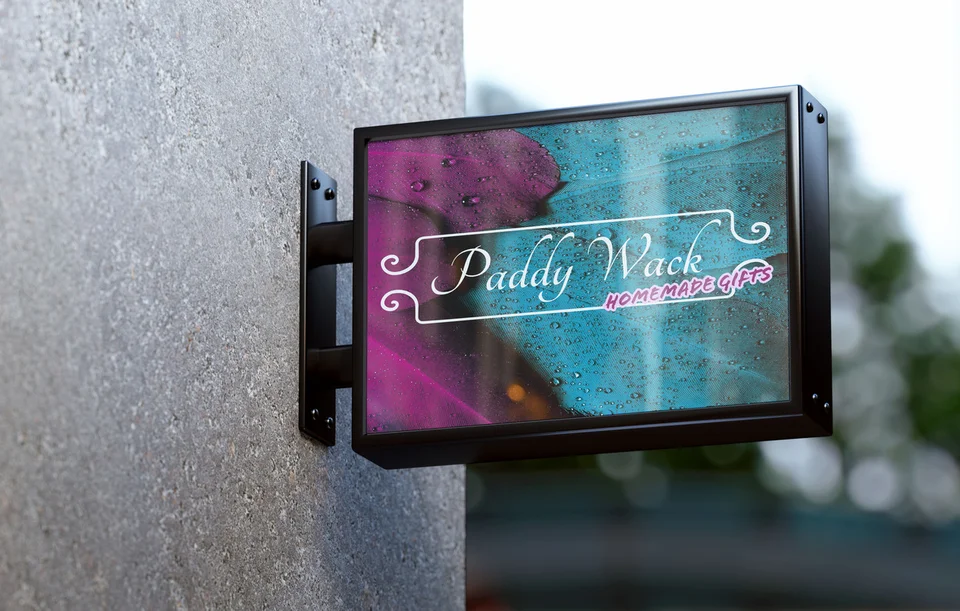
The work shown includes an environmental campaign billboard presentation, Bassmint Pros graphics, PaddyWack Homemade Gifts sign artwork, and identity examples for TCA Transportation LLC and The Silver Guardian. These existing selections show different ways to direct attention and connect a message with its visual character.
They come from Galactic's portfolio and are not presented as Clyde Hill client work. Mockups demonstrate possible contexts for the artwork rather than verified installations or measured commercial performance.
Review the studio background and use the examples to discuss your actual formats. A clear proposal should explain how the design will handle your content, the approval process, and the files your team needs at delivery.
Keep the material focused as the audience expands
A business serving Clyde Hill may also present its work to customers in Bellevue, Kirkland, or elsewhere on the Eastside. A consistent identity and plain explanation can travel across those conversations, while project-specific details remain tailored to the recipient.
Avoid filling a presentation with geographic references that do not help the decision. Use local context when it explains a real requirement, service arrangement, or approved example. The quality of the thinking should remain visible even to a reader unfamiliar with the area.
Explore Bellevue graphic design or Kirkland graphic design for related service areas. The Clyde Hill digital services overview connects project materials with a clear website and a recognizable identity.

Clyde Hill graphic design questions
Can you create a reusable proposal layout?
Yes, that can be part of the scope. Define the software, recurring sections, and types of information your team changes. A reusable layout needs to handle realistic variations in content.
Should slides and a follow-up PDF be identical?
They can share a visual direction, but they serve different reading situations. Slides may rely on a presenter, while a standalone PDF needs enough context to explain itself.
How can we make several options easier to compare?
Use consistent categories, terminology, and visual emphasis. Keep assumptions with the relevant option and explain meaningful differences clearly. The design should help the reader make an informed choice.
Can private project materials become marketing content?
Review permissions, identifying details, and the intended message first. A public version may need different images or wording, especially when the original was prepared for a specific client's discussion.
What should we supply before layout begins?
Bring draft content, identity files, usable images, format requirements, and examples of the decisions the material supports. Identify who can verify facts and approve the final work.
Give the conversation a useful foundation
Present your Clyde Hill work with clarity and confidence.
Bring the ideas and options you need people to understand. We can organize them into purposeful materials that support a thoughtful comparison and a clear next decision.
Discuss your Clyde Hill materials